
In a world where digital wallets are the new black, managing your Apple Wallet can feel like juggling flaming torches. You’ve got your favorite cards in there, but sometimes it’s time to say goodbye to the ones that no longer spark joy or serve a purpose. Whether it’s that gym membership you forgot about or a loyalty card for a store you’ve sworn off, deleting a card should be as easy as pie—or at least easier than trying to fold a fitted sheet.
Fear not, tech-savvy friend! Deleting a card from your Apple Wallet on iPhone is a breeze. With just a few taps, you can declutter your digital life and reclaim that precious storage space. Dive in and discover how to streamline your wallet like a pro, all while keeping your sense of humor intact. Who knew organizing could be this fun?
Understanding Apple Wallet
Apple Wallet provides a secure, convenient platform for storing various cards. Users can manage payment methods, boarding passes, tickets, and membership cards efficiently.
What Is Apple Wallet?
Apple Wallet serves as a digital wallet application on iPhones, centralizing users’ cards and passes. They can store credit and debit cards, event tickets, and boarding passes. Security features like encryption enhance user privacy while making access easy.
Benefits of Using Apple Wallet
Utilizing Apple Wallet simplifies daily transactions. Users can make contactless payments, reducing the need for physical cards. Storing all cards in one place saves time, as retrieving passes and tickets becomes quick. Notifications alert users about upcoming events or ticket information, ensuring they always stay informed. Additionally, organizations benefit from increased customer engagement by sending digital loyalty rewards directly to the wallet, enhancing the overall user experience.
How to Delete a Card From Apple Wallet on iPhone
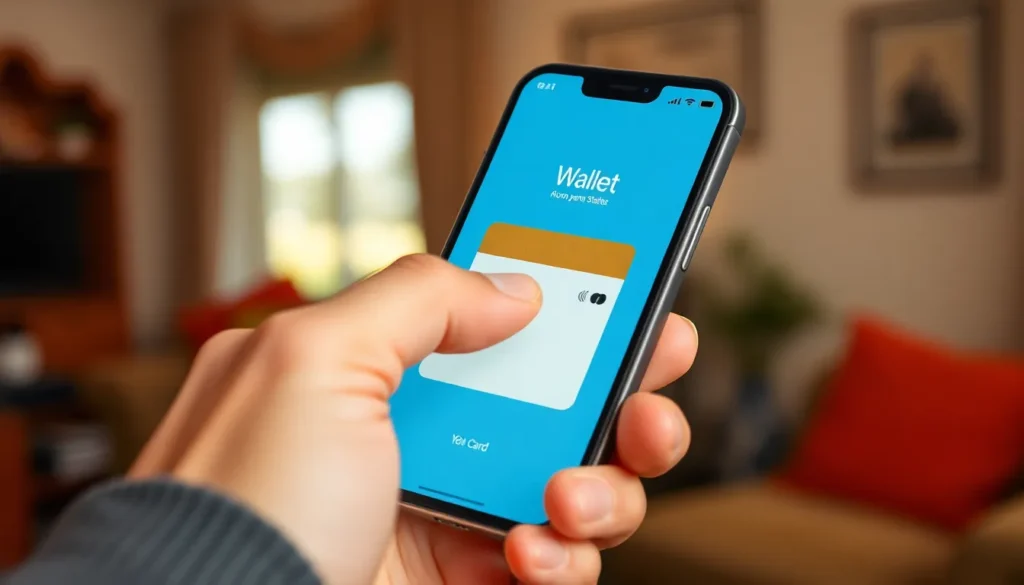
Deleting a card from Apple Wallet can streamline the digital wallet experience. Follow the necessary steps to manage your cards effectively.
Step-by-Step Guide
- Open the Apple Wallet app on the iPhone.
- Select the card that requires deletion.
- Tap the three dots in the top-right corner.
- Scroll down and choose Remove Card.
- Confirm the action when prompted.
After completing these steps, the card no longer appears in Apple Wallet. Users can follow this process for credit cards, passes, and other stored items.
Troubleshooting Common Issues
Issues may arise while attempting to delete a card. If a card doesn’t delete, ensure the device runs the latest iOS version. Restarting the iPhone can resolve temporary glitches.
Users might encounter difficulties if the card is linked to an active subscription. In such cases, cancelling the subscription first usually works. Contacting the card issuer may provide additional assistance.
Alternative Methods for Card Management
Managing cards in Apple Wallet extends beyond deletion. Users can modify card details directly within the app. Adjusting personal information, such as names and billing addresses, provides accurate data for transactions. Keeping this information updated simplifies payment processes.
Adding and removing cards also requires attention. Users can conveniently add new credit, debit, or loyalty cards using the Wallet app or the Settings menu. Removing cards follows a straightforward procedure, clearing space for only relevant cards. Knowing when to update or delete ensures a clutter-free digital wallet, improving overall usability.
Managing cards efficiently enhances the Apple Wallet experience, allowing users to streamline transactions and stay organized.
Tips for Secure Usage of Apple Wallet
Securing your Apple Wallet enhances the safety of your sensitive information. Start by enabling two-factor authentication for your Apple ID. This adds an extra layer of security, protecting against unauthorized access.
Regularly check your transaction history within the Wallet app. Monitoring these transactions helps identify any suspicious activities quickly. Users should delete cards that no longer serve a purpose. Clearing out unnecessary cards reduces the chances of potential misuse.
Consider using a strong passcode to lock your device. A robust passcode adds security, especially when using contactless payments. Always install the latest iOS updates. Keeping your software current ensures you benefit from the latest security features.
Restrict app permissions related to your Apple Wallet. Limiting access to necessary apps only maintains privacy. Enable notifications for account activity within the Wallet app. These alerts provide instant information regarding any actions taken.
Review your privacy settings frequently. Adjusting these settings allows users to control the data they share with apps and websites. Use biometric features like Face ID or Touch ID for added security. Such features streamline authentication while increasing security effectiveness.
Stay cautious when using public Wi-Fi. Avoid accessing sensitive information while connected to unsecured networks. Be aware of phishing attempts that target Apple Wallet users. Identifying scams ensures sensitive data remains protected.
Implementing these tips increases security within Apple Wallet. Users can enjoy a hassle-free experience while keeping their financial information safe.
Managing an Apple Wallet is key to enjoying a clutter-free digital experience. By regularly deleting unnecessary cards users can streamline their wallets and enhance their overall convenience. This simple process not only helps in keeping things organized but also ensures that important information is easily accessible.
Staying proactive about card management allows users to take full advantage of all the features Apple Wallet offers. With secure transactions and the ability to store essential cards in one place it’s easier than ever to navigate daily activities. Embracing these practices leads to a more efficient and enjoyable experience with Apple Wallet.