Picture this: you’re all set to scroll through your latest TikTok obsession or catch up on your favorite podcast, but your shiny iPhone 13 has decided to play hard to get. It’s like that friend who ghosts you after a great night out—frustrating, right? But don’t panic! There’s hope for your rebellious device, and it doesn’t involve a voodoo doll or a dramatic exorcism.
Common Reasons Why Your iPhone 13 Won’t Turn On
Several factors can cause an iPhone 13 to remain unresponsive. Understanding these reasons helps in diagnosing the issue effectively.
Battery Issues
Battery problems often lead to power failures. A completely drained battery prevents the device from turning on. Charging the iPhone 13 using a working charger can rectify this. Faulty chargers or cables can also be the culprit. An incompatible charger may not provide the necessary power. If connectivity issues persist, inspecting the charging port for debris or damage becomes essential.
Hardware Problems
Hardware issues can range from minor to significant malfunctions. A damaged power button can prevent users from turning the device on. Water or physical damage might also affect internal components. Checking for visible cracks or dents aids in identifying damage. Overheating can occasionally cause the device to shut down unexpectedly. Repairing or replacing malfunctioning components ensures the iPhone 13 operates correctly.
Basic Troubleshooting Steps
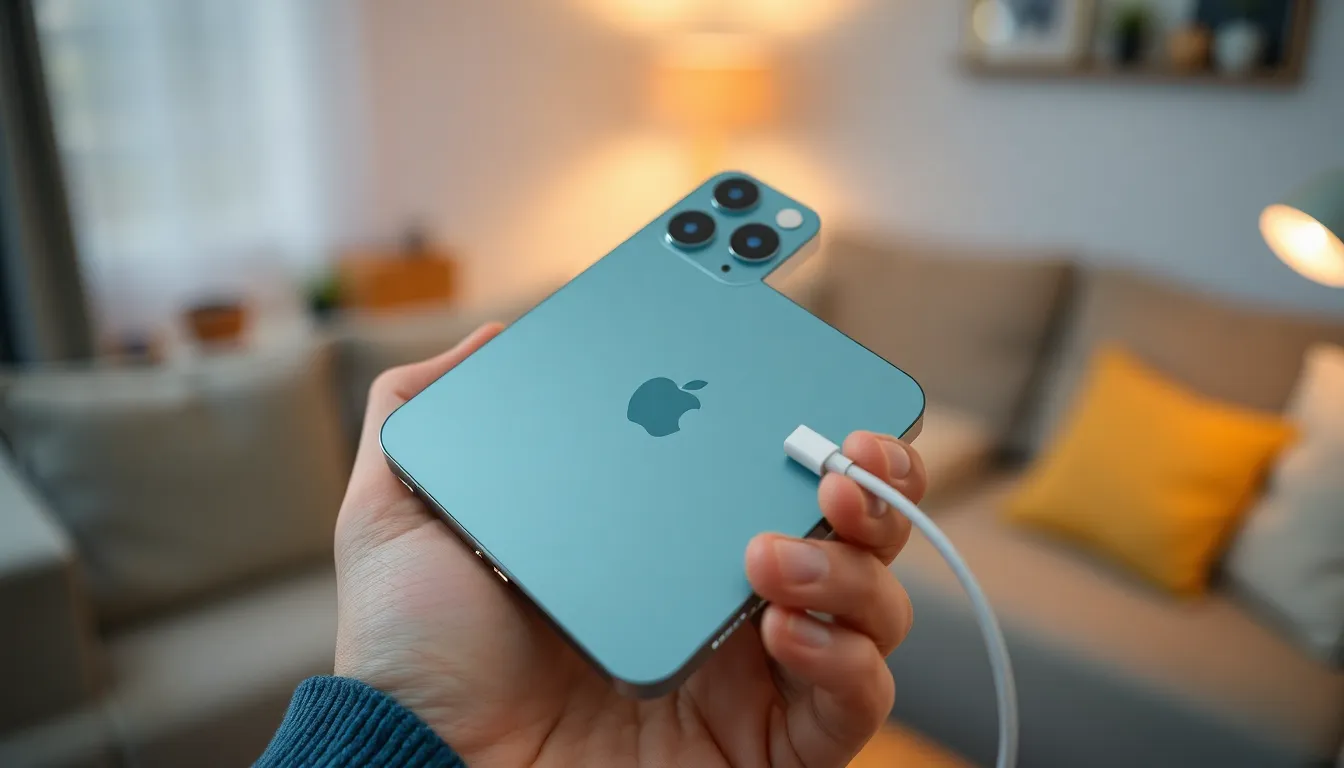
Users may start by trying a few basic troubleshooting steps when their iPhone 13 doesn’t turn on. These steps can often resolve common issues without professional help.
Force Restart Your iPhone 13
To force restart, quickly press and release the Volume Up button. Next, quickly press and release the Volume Down button. After this, press and hold the Side button until the Apple logo appears. This process helps reset the device’s functionality and can fix minor glitches that prevent the phone from turning on.
Check Charging Equipment
Inspect the charging cable first for any signs of damage. A frayed or defective cable could hinder the charging process. Next, confirm the wall adapter is functional by testing it with another device. Additionally, check the charging port on the iPhone for lint or debris, as blockages can prevent a proper connection. Finally, using a different charging cable or adapter may reveal if the issue relates to the original equipment.
Advanced Solutions
Sometimes, more advanced methods are necessary when an iPhone 13 won’t turn on. Below are techniques to help users regain access to their devices.
Restore iPhone 13 Using Recovery Mode
Recovery Mode can solve software issues preventing the iPhone from powering on. To activate Recovery Mode, connect the iPhone to a computer and launch iTunes or Finder. While connected, press and quickly release the Volume Up button, then do the same with the Volume Down button. Finally, press and hold the Side button until the recovery screen appears. Users have the option to update or restore their device from here. Choosing the update will retain data, while restore erases everything on the phone.
Use DFU Mode for Deeper Issues
Sometimes deeper software problems arise that Recovery Mode can’t resolve. DFU Mode (Device Firmware Update) allows users to fully restore the iPhone. To enter DFU Mode, connect the device to a computer, then follow a sequence of button presses. Quickly press and release the Volume Up button, quickly press and release the Volume Down button, and then press and hold the Side button until the screen turns black. After that, immediately hold the Volume Down button while keeping the Side button pressed for five seconds. Finally, release the Side button and continue holding the Volume Down button until the device is detected by the computer. This process restores the iPhone to factory settings.
When to Seek Professional Help
When an iPhone 13 remains unresponsive despite troubleshooting attempts, professional assistance may be necessary. Users should consider seeking help if they experience persistent issues even after performing a force restart and checking charging equipment. Signs of physical or water damage also indicate a need for expert evaluation.
A malfunctioning power button, if visibly damaged or stuck, requires professional inspection. If the device shows signs of overheating, a technician can diagnose the underlying issue more effectively. Moreover, unexplained software problems might require specialized tools and knowledge that only a professional can provide.
Users often miss subtle symptoms that suggest deeper hardware issues, such as unusual noises or screen flickering. These symptoms typically warrant immediate attention from a skilled technician. If the device fails to respond after trying Recovery Mode or DFU Mode, experts possess the necessary tools to restore functionality.
Apple provides authorized service options and should be the first point of contact for users unsure about the next steps. It’s essential to utilize official support channels for warranty-related concerns. Addressing persistent problems quickly can prevent further damage and ensure timely repairs.
Dealing with an unresponsive iPhone 13 can be frustrating but there are effective solutions to explore. By following the troubleshooting steps outlined in the article users can often resolve minor issues without needing professional help.
If basic methods like force restarting and checking charging equipment don’t work it may be time to consider deeper software solutions such as Recovery Mode or DFU Mode.
Should the device still remain unresponsive seeking professional assistance is the best course of action. Timely intervention can prevent further damage and ensure the iPhone 13 gets back to functioning optimally.